Crack SSC CGL & CHSL 2026: New Guide & Dates
Last Updated: April 27, 2026 | ⏱ Reading Time: 8 minutes | ✍ By: Tech Geek Education
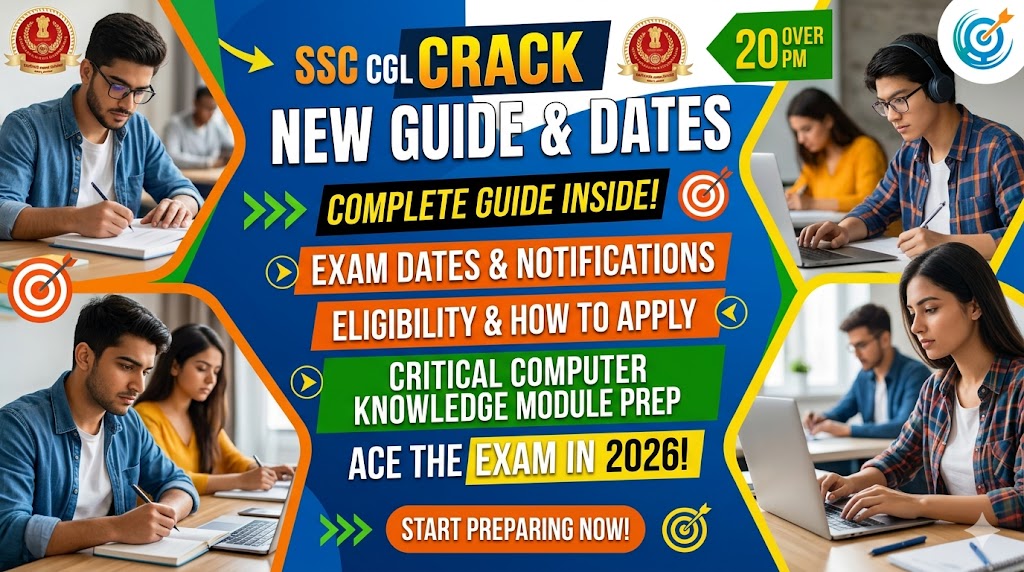
Are you preparing for the SSC CGL 2026 or SSC CHSL 2026 exam? You are at the right place. This complete guide covers everything you need to know — exam dates, how to apply, eligibility, and most importantly, how to ace the Computer Knowledge Module that trips up thousands of candidates every year.
Whether you are a student in Bongaigaon, Assam or anywhere in India, this guide will save you hours of research and help you prepare smarter in 2026.
⚡ Quick Summary: SSC CGL 2026 notification expected June/July 2026. SSC CHSL 2026 notification expected April/May 2026. Apply online at ssc.gov.in. Computer module is qualifying — failing it disqualifies you even with perfect Math and English scores!
1. What is SSC CGL and SSC CHSL?
SSC CGL — Combined Graduate Level
The SSC CGL (Combined Graduate Level) exam is conducted by the Staff Selection Commission to recruit candidates for Group B and Group C posts in various Central Government departments, ministries and organizations across India. It is one of the most competitive government exams with lakhs of applicants every year.
Posts under SSC CGL include: Income Tax Inspector, Assistant Audit Officer, Sub Inspector (CBI), Assistant Section Officer and many more high-profile government roles.
SSC CHSL — Combined Higher Secondary Level
The SSC CHSL (Combined Higher Secondary Level) exam recruits candidates for Lower Division Clerk (LDC), Junior Secretariat Assistant (JSA), Postal Assistant and Data Entry Operator posts. Minimum qualification is Class 12 pass — making it accessible to a wider range of candidates.
2. SSC CGL 2026 & SSC CHSL 2026 — Important Exam Dates
⚠️ Note: These are expected dates based on SSC’s annual pattern. Always verify at the official website: ssc.gov.in
SSC CGL 2026 Exam Timeline
| Event | Expected Date | Important Action |
| Notification Release | June – July 2026 | Start preparation now |
| Application Start | June – July 2026 | Register at ssc.gov.in |
| Application Last Date | July – August 2026 | Apply before deadline |
| Tier 1 Exam | September – October 2026 | Online CBT exam |
| Tier 1 Result | November – December 2026 | Check ssc.gov.in |
| Tier 2 Exam | December 2026 – January 2027 | Includes Computer Module |
| Final Result | 2027 | Merit list + posting |
SSC CHSL 2026 Exam Timeline
| Event | Expected Date | Important Action |
| Notification Release | April – May 2026 | Out soon — check ssc.gov.in |
| Application Start | April – May 2026 | Register immediately |
| Application Last Date | May – June 2026 | Do not miss deadline |
| Tier 1 Exam | July – August 2026 | Online CBT exam |
| Tier 1 Result | September 2026 | Check ssc.gov.in |
| Tier 2 Exam / Skill Test | October – November 2026 | Typing + Computer test |
| Final Result | 2027 | Merit list + posting |
3. How to Apply for SSC CGL 2026 & SSC CHSL 2026
Step-by-Step Application Process
- Go to the official SSC website: ssc.gov.in
- Complete One-Time Registration (OTR) if you have not already
- You will need: Aadhaar number, valid email ID, active mobile number
- After OTR, log in and find the specific exam notification
- Fill the application form carefully — name, DOB, category, education
- Upload photo and signature in the specified format
- Pay the application fee online
- Submit and download the confirmation page
Application Fee Structure
| Category | Application Fee |
| General / OBC / EWS (Male) | ₹100 |
| Women candidates (all categories) | FREE — Exempt |
| SC / ST candidates | FREE — Exempt |
| PwBD candidates | FREE — Exempt |
| Ex-Servicemen (ESM) | FREE — Exempt |
One-Time Registration (OTR) — Important
SSC has introduced a new One-Time Registration system. You register once and use the same profile for all SSC exams. Make sure you register early — do not wait for the last date. Keep your registration number safe as you will need it for all future SSC applications.
4. SSC CGL & CHSL Eligibility
SSC CGL 2026 Eligibility
- Education: Bachelor’s degree from a recognized university
- Age limit: 18–32 years (varies by post — check official notification)
- Age relaxation: SC/ST — 5 years | OBC — 3 years | PwBD — 10 years
- Nationality: Indian citizen
SSC CHSL 2026 Eligibility
- Education: Class 12 pass from a recognized board
- Age limit: 18–27 years (varies by post)
- Age relaxation: SC/ST — 5 years | OBC — 3 years | PwBD — 10 years
- Nationality: Indian citizen
5. SSC Exam Pattern 2026
SSC CGL 2026 — Tier 1 Pattern
| Section | Questions | Marks | Time |
| General Intelligence & Reasoning | 25 questions | 50 marks |
| General Awareness | 25 questions | 50 marks |
| Quantitative Aptitude | 25 questions | 50 marks |
| English Comprehension | 25 questions | 50 marks |
| Total | 100 questions | 200 marks | 60 minutes |
| Negative marking | 0.50 marks per wrong answer |
SSC CGL 2026 — Tier 2 Pattern (Includes Computer Module)
| Paper | Details |
| Paper 1 — Math & Reasoning | 90 minutes | 390 marks |
| Paper 2 — English | 60 minutes | 200 marks |
| Paper 3 — Computer Knowledge Module | 15 minutes | 60 marks | QUALIFYING |
| Paper 4 — Statistics (JSO posts only) | 2 hours | 200 marks |
CRITICAL: The Computer Knowledge Module in Tier 2 is QUALIFYING. You must score minimum 20 out of 60 marks. If you fail this section — you are disqualified from the entire exam regardless of your other scores.
6. SSC Computer Knowledge Module 2026 — Complete Preparation Guide
This section is where thousands of well-prepared candidates fail every year. They score well in Math and English — but underestimate the Computer module. Do not make this mistake.
Complete Computer Module Syllabus
| Topic | Key Areas to Study |
| Computer Fundamentals | Hardware, Software, Input/Output devices, Memory types, CPU |
| MS Office — Word | Formatting, Shortcuts (Ctrl+B/I/U/Z/Y/S/P/F), Mail Merge, Tables |
| MS Office — Excel | Formulas (SUM/AVERAGE/IF), Charts, Shortcuts, Data sorting & filtering |
| MS Office — PowerPoint | Slide layouts, Transitions, Animations, Shortcuts |
| Internet & Email | Browsers, Search engines, Email protocols (SMTP/POP3/IMAP) |
| Networking Basics | LAN/WAN/MAN, IP Address, DNS, OSI Model (7 layers) |
| Cyber Security | Phishing, Malware, Virus, Firewall, Antivirus, SSL |
| Operating Systems | Windows shortcuts, File management, Task Manager |
| Database Basics | DBMS concepts, SQL basics, Primary key, Foreign key |
| Number Systems | Binary, Decimal, Octal, Hexadecimal conversions |
MS Office — SSC Focus Areas for 2026
SSC has shifted its focus in 2026 toward keyboard shortcuts and practical Office 365 features. Rote learning theory will not work. You need hands-on practice.
Most Important MS Word Shortcuts for SSC
| Shortcut | Function | Exam Frequency |
| Ctrl + B | Bold text | ⭐⭐⭐ Very High |
| Ctrl + I | Italic text | ⭐⭐⭐ Very High |
| Ctrl + U | Underline text | ⭐⭐⭐ Very High |
| Ctrl + Z / Y | Undo / Redo | ⭐⭐⭐ Very High |
| Ctrl + S | Save document | ⭐⭐⭐ Very High |
| Ctrl + P | Print document | ⭐⭐ High |
| Ctrl + F | Find text | ⭐⭐ High |
| Ctrl + H | Find and Replace | ⭐⭐ High |
| Ctrl + A | Select all | ⭐⭐ High |
| Shift + F3 | Change case | ⭐⭐ High |
| F7 | Spell check | ⭐⭐ High |
| Ctrl + Enter | Page break | ⭐ Medium |
| Ctrl + Alt + 1/2/3 | Apply Heading styles | ⭐ Medium |
Most Important MS Excel Shortcuts & Functions
| Shortcut / Function | Use | Exam Frequency |
| Ctrl + ; | Insert today’s date | ⭐⭐⭐ Very High |
| Alt + = | AutoSum formula | ⭐⭐⭐ Very High |
| =SUM(A1:A10) | Sum of range | ⭐⭐⭐ Very High |
| =AVERAGE() | Average of values | ⭐⭐ High |
| =IF(condition) | Conditional formula | ⭐⭐ High |
| =COUNT() / COUNTA() | Count cells | ⭐⭐ High |
| =VLOOKUP() | Vertical lookup | ⭐⭐ High |
| Ctrl + Shift + L | Filter toggle | ⭐ Medium |
| F2 | Edit cell | ⭐ Medium |
| Ctrl + Home/End | Jump to start/end | ⭐ Medium |
Networking & Cyber Security — Key Points
- OSI Model has 7 layers: Physical, Data Link, Network, Transport, Session, Presentation, Application
- IP Address: IPv4 = 32-bit | IPv6 = 128-bit
- DNS = Domain Name System — converts domain names to IP addresses
- Phishing = fraudulent emails/websites to steal personal information
- Malware = malicious software including virus, worm, trojan, ransomware
- Firewall = security system that monitors and controls network traffic
- SSL = Secure Sockets Layer — encrypts data between browser and server (https://)
- HTTP = HyperText Transfer Protocol | HTTPS = HTTP + SSL (Secure)
7. SSC Computer Module Preparation Strategy 2026
30-Day Preparation Plan
| Week | Focus | Daily Target |
| Week 1 | Computer Fundamentals + MS Word | 2 hours daily practice |
| Week 2 | MS Excel + PowerPoint | 2 hours + 20 practice questions |
| Week 3 | Internet + Networking + Cyber Security | Theory + mock tests |
| Week 4 | Revision + Full mock tests | 3 mock tests daily |
Pro Tips to Score 50+ in Computer Module
- Practice shortcuts on actual computer — not just memorize on paper
- Attempt at least 50 SSC computer questions daily from previous papers
- Focus on MS Office shortcuts — 40% of questions come from here
- Learn OSI model layers by heart — always asked in networking section
- Know the difference between virus, worm, trojan, malware, ransomware
- Practice number system conversions — binary to decimal and back
- Take minimum 2 full mock tests per week in timed conditions
- Join a coaching class for hands-on computer practice — theory alone is not enough
8. Prepare for SSC Computer Module in Bongaigaon
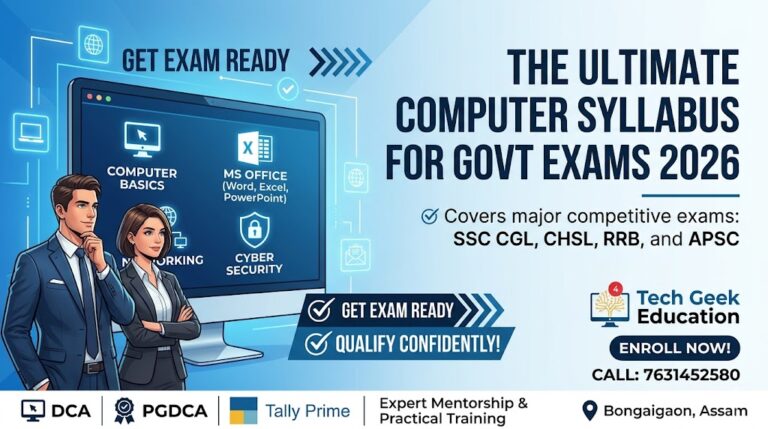
If you are in Bongaigaon or nearby areas of Assam and looking for hands-on computer training to clear the SSC Computer Knowledge Module — Tech Geek Education is here to help.
We offer specialized Government Exam Computer Preparation courses that cover the complete SSC, Railway and APSC computer syllabus — with practical hands-on training on real computers, not just theory.
| What We Offer | Details |
| SSC Computer Module Prep | Complete syllabus — MS Office, Networking, Cyber Security, OS |
| MS Office Practical Training | Hands-on Word, Excel, PowerPoint — shortcuts & functions |
| MS Word Shortcuts | All exam-focused shortcuts with daily practice |
| MS Excel Formulas | SUM, AVERAGE, IF, VLOOKUP — practical exercises |
| Networking & Cyber Security | OSI model, IP, DNS, Phishing, Malware — exam-ready |
| Mock Test Sessions | Weekly SSC computer mock tests with analysis |
| PGDCA / DCA Course | Comprehensive diploma covering entire computer syllabus |
| Batch Timings | Morning & Evening batches — flexible for working students |
| Fee | Affordable — call for latest fee details |
What Our SSC Computer Course Covers:
- Full Syllabus Mastery: From hardware fundamentals to complex networking concepts like the OSI model.
- MS Office Specialized Training: Deep dives into Word, Excel, and PowerPoint with a heavy focus on the shortcuts and formulas SSC loves to ask.
- Cyber Security Essentials: Understanding Malware, Phishing, Firewalls, and SSL/HTTP protocols.
- Regular Mock Tests: Practice with the same interface and difficulty level as the actual SSC CGL/CHSL Tier 2 exams.
Ready to join? We offer flexible morning and evening batches for both modes.Inquire about our specialized SSC Computer Module Prep to book your seat.